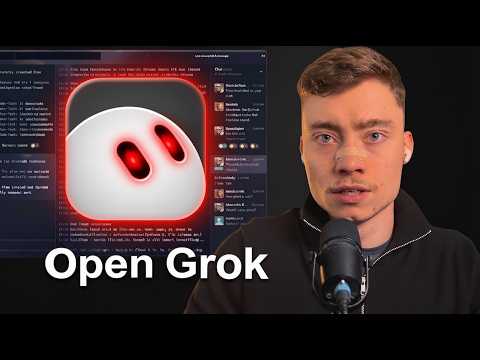
David runs several Claude Code agents in Cloud Room to reverse-engineer Grok Bot, build its UI and back end, and self-host the result on a VPS in about 1.5 hours.
Sabrina Ramonov makes the first Grok Bot a chief of staff that interviews you, suggests the bots you need, then creates them and walks you through connecting apps.
Sabrina Ramonov · YouTube · published Nov 15, 2026 · Automation & Agents
 ▶ Watch on YouTube
Be my chief of staff and interview me, one question at a time, about my work, my goals, and the tasks I keep repeating.

(after answering) Based on my answers, suggest only the bots I need. Explain each bot's job and let me choose which ones to create.

(after choosing) Create the bots I choose. Give each one a clear job and walk me through connecting the apps they need.
Make your first Grok Bot your chief of staff: one bot you talk to that runs all the others. Three prompts in one chat set it up: an interview, a list of suggested bots, then creation.
The problem: Most people use about 1% of Grok Bot's capabilities because they never set it up properly.
Send the three prompts one at a time, in the same chat.
You still have to sign in to those apps manually.
Distilled from the video’s captions
David runs several Claude Code agents in Cloud Room to reverse-engineer Grok Bot, build its UI and back end, and self-host the result on a VPS in about 1.5 hours.

Gemini Decision 1 answers yes/no, choice and score questions about text, images, audio, PDFs and video with a confidence score and zero output tokens, so your code can route, gate and audit automatically.

Tim clones his voice in AssemblyAI, then builds a Python agent that listens, thinks with an LLM and answers back in his cloned voice in under 100 lines of code.

Leon sets up Grok Bot, adds an architect and a 3D developer bot in one group, and gets a three-bedroom house with a pool designed, built in 3D, pushed to GitHub and deployed on Vercel.