
AICodeKing connects the open-source Qwen Audio Agent to Claude Code so he can keep a voice conversation going, interrupt answers and change requirements while a VoiceDesk app is built in the background.
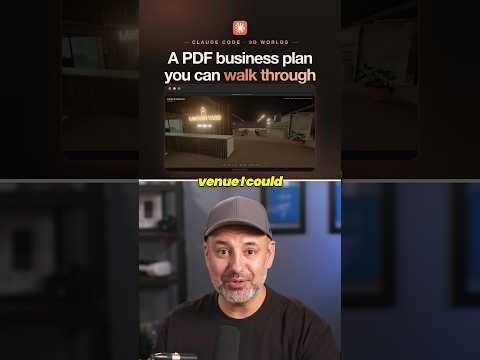
Skill Leap AI gives Claude Code a PDF business plan plus Blender (free) and gets a 3D venue you can walk through with your keyboard, then edits it by prompt.
Skill Leap AI · YouTube · published Oct 30, 2026 · Design & Creative
 ▶ Watch on YouTube
With Blender installed, open Claude Code and say: here is my business plan PDF. Build the venue it describes as a 3D world I can walk through with my keyboard.
Claude Code turned a PDF business plan into a 3D venue you can walk through with your keyboard, built in Blender, and any change is just another prompt.
The problem: A business plan on paper is hard to picture; you want to see and walk around the venue it describes.
All you need is Claude Code and Blender.
To change anything, type a prompt: swap the carpet, remove a wall or add a sign.
Distilled from the video’s captions
AICodeKing connects the open-source Qwen Audio Agent to Claude Code so he can keep a voice conversation going, interrupt answers and change requirements while a VoiceDesk app is built in the background.

Leon van Zyl logs and labels GitHub issues with dependencies for every piece of work, then tells Claude Code to read the outstanding issues and implement them one by one.

Skill Leap AI gives Claude Code a prompt and the path to about 400 memory and knowledge files, and gets a 3D castle with rooms, a memory wall and a bookshelf of clickable books.

Income Stream Surfers shares a free Claude Code prompt that audits a repo, mocks up a cleaner UI for approval, regroups menus into 4-7 areas, and ships it behind a feature flag.