
Jack Roberts asks ChatGPT for every working code, cashback offer and sale on something you're buying, then has it open its browser, go to checkout and try each code so only the one that works is left.
Skill Leap AI saves a bird picture once as a named reference in ChatGPT, then @mentions it in new chats to get the same character in new scenes without re-uploading.
Skill Leap AI · YouTube · published Nov 13, 2026 · Content & Creative
 ▶ Watch on YouTube
Save this image as a reference and call it [Kit]. (Then in a new chat:) @Kit sitting on a rainy windowsill.
ChatGPT can save an uploaded picture as a named reference. Later you @mention the name in any new chat and get the same subject in new scenes without uploading again.
The problem: Keeping the same character or product consistent across pictures normally means re-uploading it in every chat.
Use the new save-reference-images feature in ChatGPT.
Distilled from the video’s captions
Jack Roberts asks ChatGPT for every working code, cashback offer and sale on something you're buying, then has it open its browser, go to checkout and try each code so only the one that works is left.

Brock films himself, runs /short or /edit in Claude Code, and gets back a finished video with cuts, animations, B-roll and captions, using a playbook that saves every note as a rule.
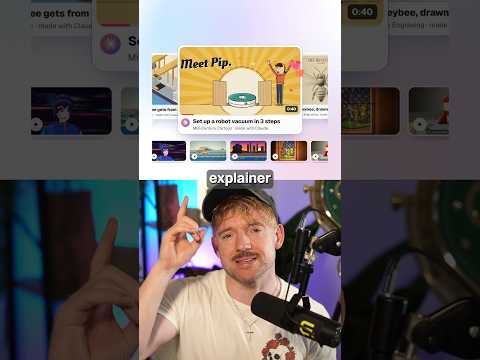
Jack uses the Lemo skill so Claude writes the story, voiceover and music from one sentence and animates every frame in code, in about ten minutes with 66 film styles.

Kevin Stratvert's host shows how Google AI Studio's free speech generator turns a script into realistic audio: pick a voice, describe the style, add expressions like a chuckle, assign two speakers, and download the result.