
Kevin Stratvert connects Claude Desktop to Blender with the official connector and MCP add-on, then describes a colorful cookie shop, edits lighting and signage, animates the camera and renders a 1080p MP4, all in plain language.
Jack uses the Lemo skill so Claude writes the story, voiceover and music from one sentence and animates every frame in code, in about ten minutes with 66 film styles.
Jack Roberts · YouTube · published Nov 13, 2026 · Content & Creative
 ▶ Watch on YouTube
Using the Lemo skill, make a 60-second animated explainer video about [my idea] in the [watercolor] style: write the story, add voiceover and music, and animate every frame in code.
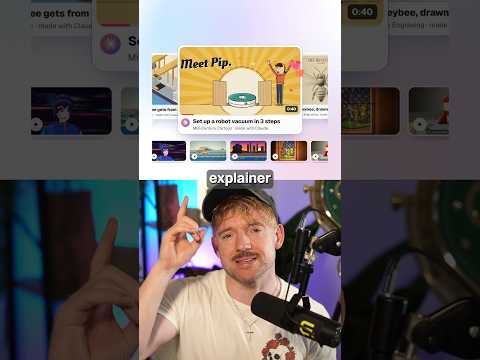
A skill called Lemo gives Claude 66 styles to animate in. Pick a style and explain your idea in plain English, and Claude writes the story, adds voiceover and music, and animates every frame in code, in under 10 minutes.
The problem: Animated explainer videos normally take a lot of time and tooling.
The video says it's free and uses a skill called Lemo.
Distilled from the video’s captions
Kevin Stratvert connects Claude Desktop to Blender with the official connector and MCP add-on, then describes a colorful cookie shop, edits lighting and signage, animates the camera and renders a 1080p MP4, all in plain language.

Skill Leap AI gives Claude Fable 5.2 a screenshot of an analytics dashboard, and it rebuilds it as a working dashboard that can connect to live numbers via Claude Data.

Skill Leap AI saves a bird picture once as a named reference in ChatGPT, then @mentions it in new chats to get the same character in new scenes without re-uploading.

Brock films himself, runs /short or /edit in Claude Code, and gets back a finished video with cuts, animations, B-roll and captions, using a playbook that saves every note as a rule.