
Mervin Praison shows how Google's Gemini Decision 1 picks one answer from your choices with a confidence percent, sorting five shop emails by mood, refund and reply speed.
Kevin Stratvert's host shows how Google AI Studio's free speech generator turns a script into realistic audio: pick a voice, describe the style, add expressions like a chuckle, assign two speakers, and download the result.
Kevin Stratvert · YouTube · published Nov 11, 2026 · Content & Creative
 ▶ Watch on YouTube
Voice style: Warm and welcoming, like a friendly shop owner.

Script: Thank you for calling Elizabeth's Candy Connection. Please leave your name, number, and a brief message, and we'll get back to you soon.
In Google AI Studio's free speech generator you type a script, pick a voice, describe the delivery like directions to a voice actor, and download realistic audio. A two-speaker mode makes podcast-style dialogue.
The problem: Recording voiceovers, greetings or podcast intros normally needs a voice actor or recording gear.
Open aistudio.google.com/generate-speech (link in the video description).
Free to start, usage limits apply; Google also offers paid options for more audio.
Distilled from the video’s captions
Mervin Praison shows how Google's Gemini Decision 1 picks one answer from your choices with a confidence percent, sorting five shop emails by mood, refund and reply speed.

Skill Leap AI saves a bird picture once as a named reference in ChatGPT, then @mentions it in new chats to get the same character in new scenes without re-uploading.

Brock films himself, runs /short or /edit in Claude Code, and gets back a finished video with cuts, animations, B-roll and captions, using a playbook that saves every note as a rule.
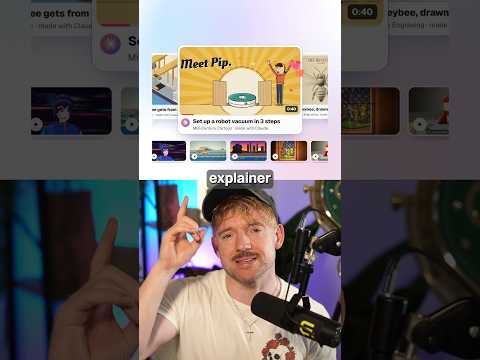
Jack uses the Lemo skill so Claude writes the story, voiceover and music from one sentence and animates every frame in code, in about ten minutes with 66 film styles.