
Jack Roberts asks ChatGPT for every working code, cashback offer and sale on something you're buying, then has it open its browser, go to checkout and try each code so only the one that works is left.
Skill Leap AI shows ChatGPT's hidden Skills feature under Plugins: create a skill with the skill creator, then upload a transcript with the skill selected to get a text file of LinkedIn posts in the format you asked for.
Skill Leap AI · YouTube · published Nov 9, 2026 · Content & Creative
 ▶ Watch on YouTube
Use the skill creator to build a skill that turns a raw transcript into a week's worth of LinkedIn posts. Specify the post format and how many posts I need for the week.
ChatGPT has a hidden Skills feature under Plugins. Create a skill with the skill creator that turns a raw transcript into a week of content, then upload a transcript with the skill selected and get a text file of LinkedIn posts.
The problem: Turning a raw transcript into a week's worth of formatted posts is repetitive work you redo every time.
Four steps inside ChatGPT.
Read the first output and ask for changes; the skill takes some back and forth.
Distilled from the video’s captions
Jack Roberts asks ChatGPT for every working code, cashback offer and sale on something you're buying, then has it open its browser, go to checkout and try each code so only the one that works is left.

Skill Leap AI saves a bird picture once as a named reference in ChatGPT, then @mentions it in new chats to get the same character in new scenes without re-uploading.

Brock films himself, runs /short or /edit in Claude Code, and gets back a finished video with cuts, animations, B-roll and captions, using a playbook that saves every note as a rule.
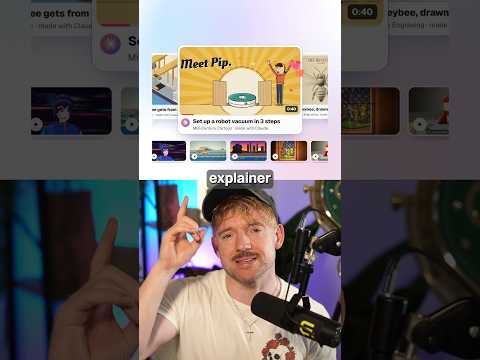
Jack uses the Lemo skill so Claude writes the story, voiceover and music from one sentence and animates every frame in code, in about ten minutes with 66 film styles.